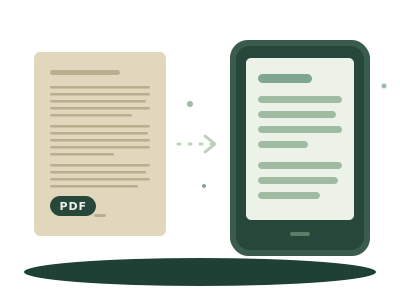
A PDF is a picture of the printed page: every line has a fixed place. On a 6 or 7 inch screen, a page designed for paper shows up whole and tiny. You can zoom in, but the text doesn't reflow, so you end up scrolling sideways along every line.
An EPUB stores the text, not the page. The reader fits it to its screen: you choose the font size and typeface, the line spacing and the margins, and the book repaginates. That's why a PDF converted to EPUB reads much better on a Kindle, a Kobo or a phone.
What has to be rebuilt
Converting isn't just changing the format. A PDF doesn't know what a paragraph or a chapter is: it only knows where each line sits and in what font size. A good EPUB has to work out:
- where each paragraph ends, from the spacing, the indent or a short line;
- what's a heading, from the font size;
- what to drop: running headers, footers and page numbers;
- words broken with a hyphen at the end of a line, to join them again;
- the chapters, from the PDF's table of contents if it has one, or from its headings.
How to convert it, step by step
- Open Pecia's PDF to EPUB converter. It's free and needs no account.
- Drop the PDF on the page, or choose it from your device. Files of up to 100 MB work.
- Check the title, author, language and the chapters it found. You can correct the first three.
- Press Download EPUB.
The conversion runs in your browser: the PDF isn't uploaded to any server. To make sure the result is well formed, run it through the EPUB validator.
Which PDFs come out well
| Kind of PDF | Result |
|---|---|
| Single-column text: novels, essays, reports | Good: paragraphs, headings and chapters |
| With tables, footnotes or two columns | It converts, but those parts can come out jumbled |
| Scanned (photos of pages) | No: there's no text, only images, and it would need text recognition (OCR) |
| Password-protected | It can't be opened |
If your PDF is heavily designed (a cookbook, a comic, a magazine), it probably reads better as a PDF: there, the fixed page is exactly the point.
Then, onto your e-reader
On a Kobo, connect it by cable and copy the EPUB onto it: it reads it directly. On a Kindle, the EPUB has to go through Send to Kindle; here's how to send an EPUB to your Kindle.