Free tool
Change an EPUB's cover
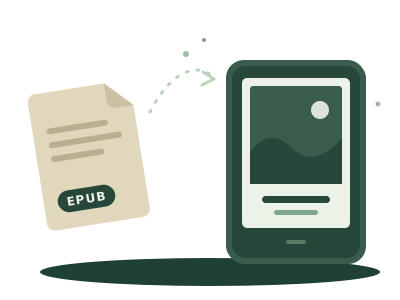
Upload your EPUB and set the image you want as its cover, or let AI draw one. Free and in your browser: the book isn't uploaded to any server.
Free tool
Upload your EPUB and set the image you want as its cover, or let AI draw one. Free and in your browser: the book isn't uploaded to any server.
Drop your EPUB here
or
DRM-free EPUB, up to 100 MB.
It sets your image as the EPUB's cover in the two places readers look for it (EPUB 2 and EPUB 3) and updates the book's cover page. It doesn't touch the text.
The cover shows in the e-reader's library. If the book already had a cover, the new one replaces it inside the book too.
The book and your image are processed in your browser and never uploaded to any server. If you create the cover with AI, only the title, the author and a short excerpt of the book (about 3,000 characters) reach our server, to describe the scene; none of it is stored.
Almost always because the EPUB doesn't say which of its images is the cover, or has none. This tool declares it in the two places readers look for it (EPUB 2 and EPUB 3), so it shows in the e-reader's library. On a Kindle, inside the book the cover sits before the first chapter: go back from the first page to see it.
No. A DRM book has its content encrypted and can't be changed; the tool detects it and tells you before you start.
No. The EPUB and your image are processed in your browser. Only if you create the cover with AI do the title, the author and a short excerpt of the book (about 3,000 characters) reach our server, to describe the scene, and none of it is stored.
It reads an excerpt of the book, imagines a scene and draws three options, in charcoal (greys) or ink (black and white). The letters are added by the tool, not the AI, so the title and author read cleanly.
It's free. Uploading your own image has no limit. The AI gives three tries a day per connection and, if you confirm your email, three more each day. If a lot of covers were made today, come back tomorrow or upload your own image.