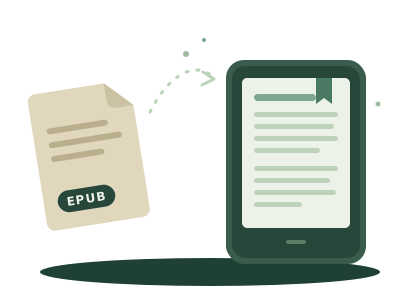
Copy an EPUB onto a Kindle by cable and it simply isn't there. It's not broken and you didn't do anything wrong: a Kindle doesn't read EPUB from its own storage. It opens a short list of formats, and EPUB isn't on it.
What a Kindle opens
Copied over a cable, a Kindle reads AZW3, MOBI without protection, PDF and TXT. Amazon's own store uses protected variants of AZW3 and KFX, which is why a Kindle book usually can't leave the Kindle ecosystem.
The rest of the e-reader market, Kobo included, reads EPUB. Amazon chose its own formats, and that's the whole reason.
What to do with an EPUB
You have two choices: let Amazon convert it, or convert it yourself.
- Let Amazon do it. Send the EPUB through Send to Kindle (website or email). Amazon converts it and adds it to your library. See how to send an EPUB to your Kindle.
- Use the Kindle's browser. Send it from your phone: we convert the EPUB to AZW3 on the way and nothing needs your Amazon account.
- Convert it yourself with Calibre and copy the AZW3 over the cable.
More ways, without a cable at all: how to get books onto a Kindle without a cable.
If the book still won't open
- It has DRM. A protected EPUB (usually from a store, or an
.acsmfile) can't be converted or opened outside its app. - The EPUB is malformed. A missing file or a broken table of contents is enough. Our EPUB validator checks it in your browser; your EPUB won't open lists the usual causes.
- It's a PDF you want to read comfortably. Convert it first.