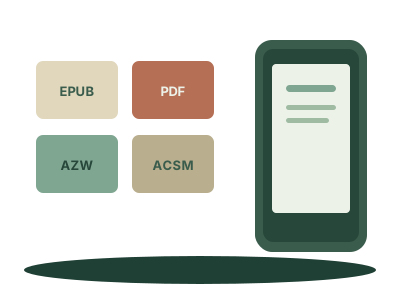
Ebook extensions can look like code: EPUB, PDF, MOBI, AZW, KFX, ACSM. You do not need to memorise them all. What matters is whether you have a book, a licence, a format meant for one reader or a protected file.
EPUB and PDF
EPUB is the usual format for reflowable text. The type changes size and the book repaginates. Kobo opens it directly; Kindle accepts it through Send to Kindle. PDF keeps a fixed page: good for design and printing, less good for novels on a small screen. Read EPUB or PDF: what’s the difference? to choose.
MOBI, AZW and AZW3
MOBI was common on older Kindles. Today, keep EPUB as your source file where possible: Amazon no longer accepts MOBI for some fixed-layout books, and Send to Kindle works with EPUB.
AZW and AZW3 are Kindle-family formats. They usually come from Amazon and are intended for Kindle devices and apps. They are not the best files to try to move between ecosystems.
KFX
KFX is another modern Kindle format, used for Amazon's typesetting and features. You normally do not need to handle it: it lives inside the Kindle ecosystem and is not a format you choose for a Kobo.
ACSM is not a book
An .acsm file does not contain a book's text. It is an Adobe licence opened in Adobe Digital Editions to download and authorise a protected EPUB or PDF. It is common for library loans and some shops. Read what DRM means when one appears.
A practical rule
For a personal text file, look for a DRM-free EPUB. Copy it to a Kobo over USB. For Kindle, send it through Send to Kindle (how, step by step). For a simple text PDF, convert it to EPUB before reading on a small screen.
The extension does not give you rights. A DRM-free EPUB can still be personal-use only; an .acsm can give legitimate access to a loan, but it is not a file to copy freely.
Why a Kindle ignores an EPUB copied over a cable: why your Kindle won't open an EPUB.